

Every enterprise SSD spec sheet lists the same handful of numbers, but they don’t all matter equally for every buyer. This guide covers the ones that actually change which drive is right for your workload — interface, endurance, and form factor — rather than every marketing bullet point on the box.
Start with the interface: SATA vs NVMe
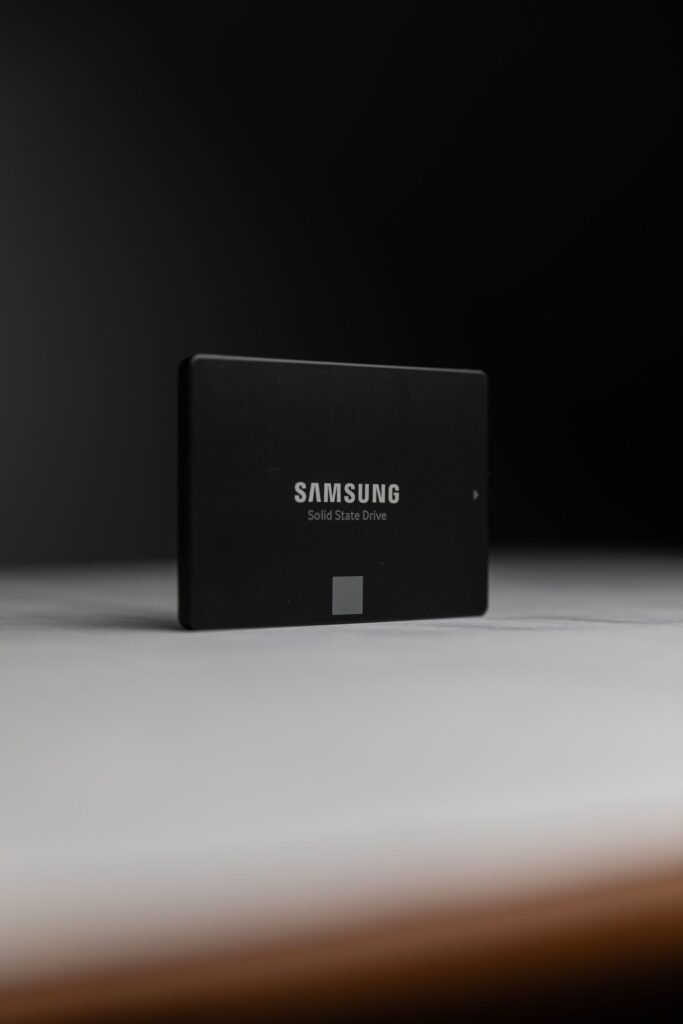
SATA III tops out around 550-600 MB/s regardless of the drive, because that’s the ceiling of the interface itself, not the flash inside it. It’s the simpler, more widely compatible option and the right choice when your workload isn’t bottlenecked on raw throughput — general virtualization hosts, file servers, and boot volumes rarely push past what SATA can deliver.
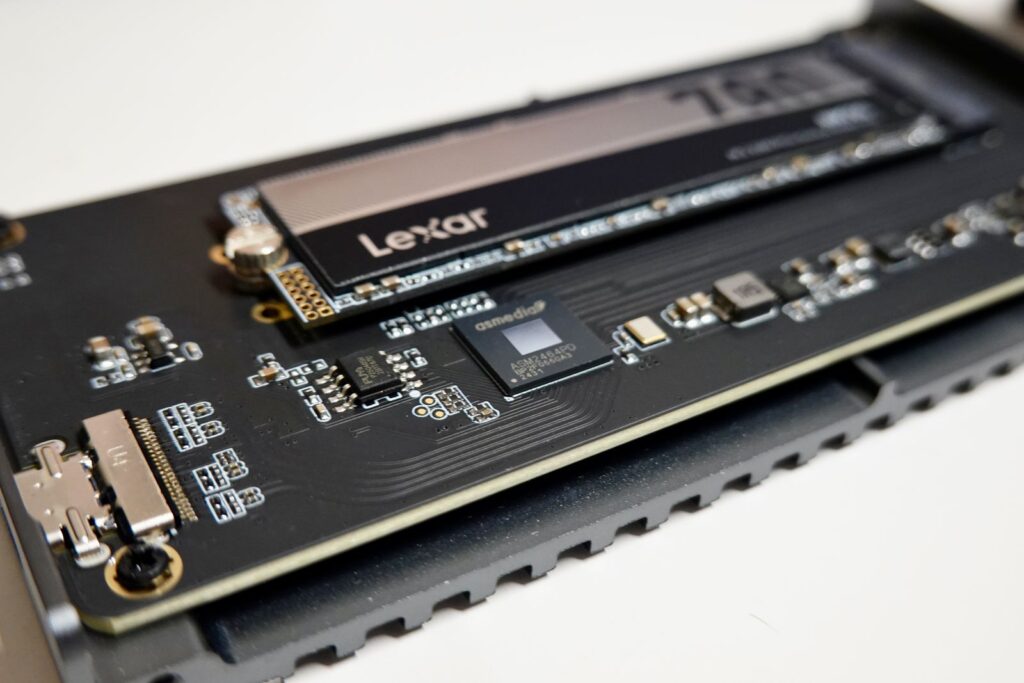
NVMe connects over PCIe instead of SATA, and the drives we quote reach sequential speeds in the 3,000 MB/s range — roughly 5-6x a SATA drive — with far lower latency and higher random IOPS. It’s worth the jump for database servers, high-concurrency virtualization hosts, and any workload where storage is the actual bottleneck rather than CPU or network. For a deeper look at when the difference matters in practice, see our NVMe vs SATA comparison.
Endurance: read-intensive vs mixed-use
Enterprise SSDs are rated by how much data they can write over their lifetime relative to their capacity, usually expressed as DWPD (drive writes per day) or TBW (total bytes written). Drives fall roughly into three classes:
- Read-intensive (~1 DWPD) — built for workloads that mostly read data: file storage, web serving, most virtualization datastores. This covers the majority of general-purpose enterprise use cases.
- Mixed-use (~3 DWPD) — a middle tier for workloads with a meaningful write share, like moderate database activity or logging-heavy applications.
- Write-intensive (10+ DWPD) — built for constant, heavy write workloads: high-transaction databases, caching tiers, write-heavy logging pipelines.
Buying more endurance than your workload needs just adds cost without a real benefit. If you’re not sure which class fits, a read-intensive drive is the right starting point for anything that isn’t a dedicated write-heavy database or cache.
Power loss protection
True enterprise SSDs include capacitor-backed power loss protection, which flushes in-flight writes to flash if power cuts out mid-write. It’s a meaningful reliability difference from consumer-grade drives, and it’s why enterprise SSDs are worth the premium for anything running production workloads rather than a desktop.
Capacity and form factor
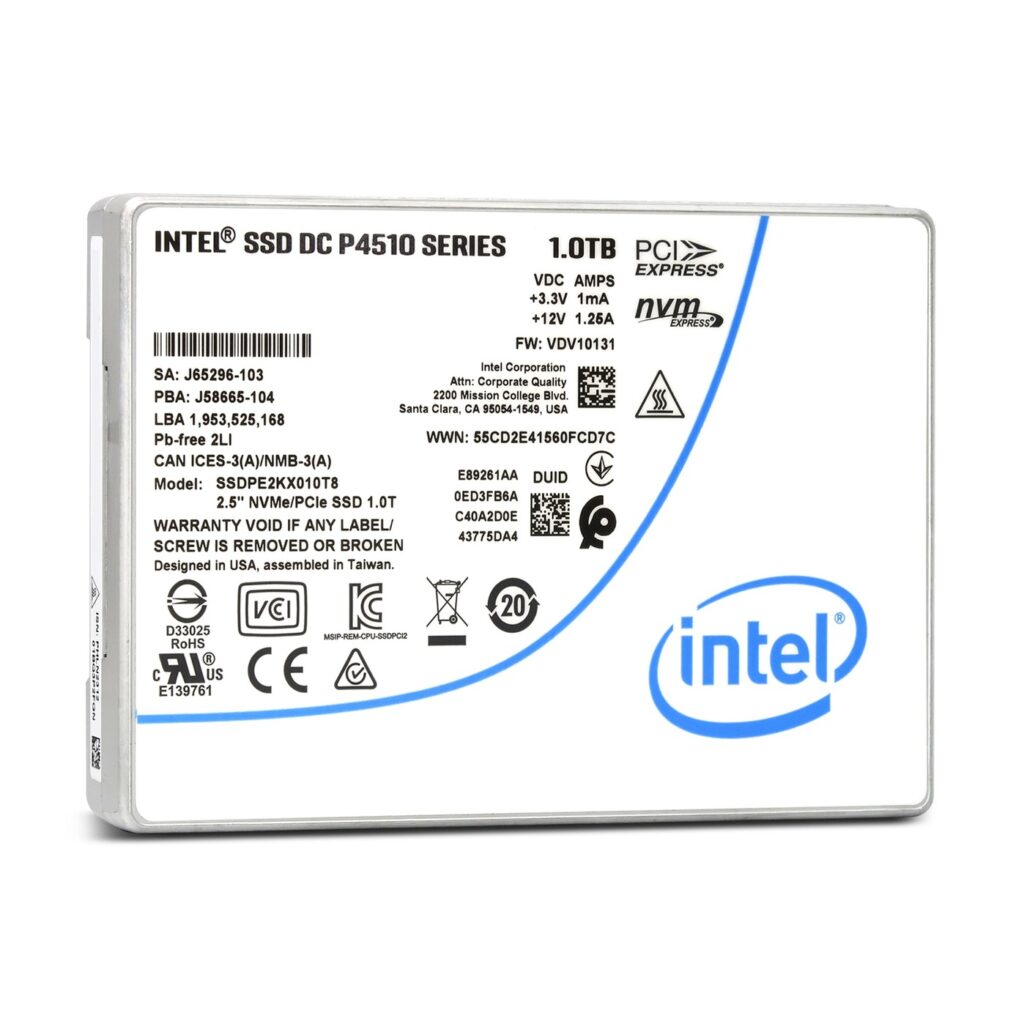
2.5-inch is the standard enterprise form factor for both SATA and U.2 NVMe drives, fitting the same hot-swap bays across most server platforms. Beyond that, capacity comes down to your actual storage need and drive-bay count — it’s usually more efficient to buy fewer, higher-capacity drives if your chassis has limited bays, and more, lower-capacity drives if you want to spread I/O across more spindles for performance or fault tolerance.
What we quote, at a glance
| Drive | Interface | Capacity | Best for |
|---|---|---|---|
| Intel D3-S4510 | SATA III | 960GB | General-purpose servers, boot volumes |
| Samsung PM893 | SATA III | 960GB / 1.92TB | Virtualization datastores, general storage |
| Micron 5300 Pro | SATA III | 1.92TB | High-density server storage |
| Intel P4510 | NVMe PCIe | 1TB | Cloud infrastructure, database workloads |
| Micron 7300 Pro | NVMe PCIe | 3.84TB | Hyperscale and high-throughput storage |
Frequently asked questions
Do I need enterprise SSDs, or will consumer drives work?
For anything running production workloads continuously, enterprise SSDs are worth it — power loss protection and sustained-write endurance are the two things consumer drives typically don’t have, and both matter more than they might seem to until a drive fails or a power event corrupts data.
How do I know if I’m SATA-bottlenecked?
If storage queue depth or latency shows up as a bottleneck in monitoring while CPU and network have headroom, that’s the signal to look at NVMe rather than adding more SATA drives.
Can I mix SATA and NVMe drives in the same server?
Yes, as long as the chassis has both types of bays or slots — many servers use NVMe for a hot data tier and SATA for bulk or archival storage in the same box.
Not sure which drive fits your workload? Contact our team with your use case, or browse the full Solid State Drives category for current listings and bulk pricing.