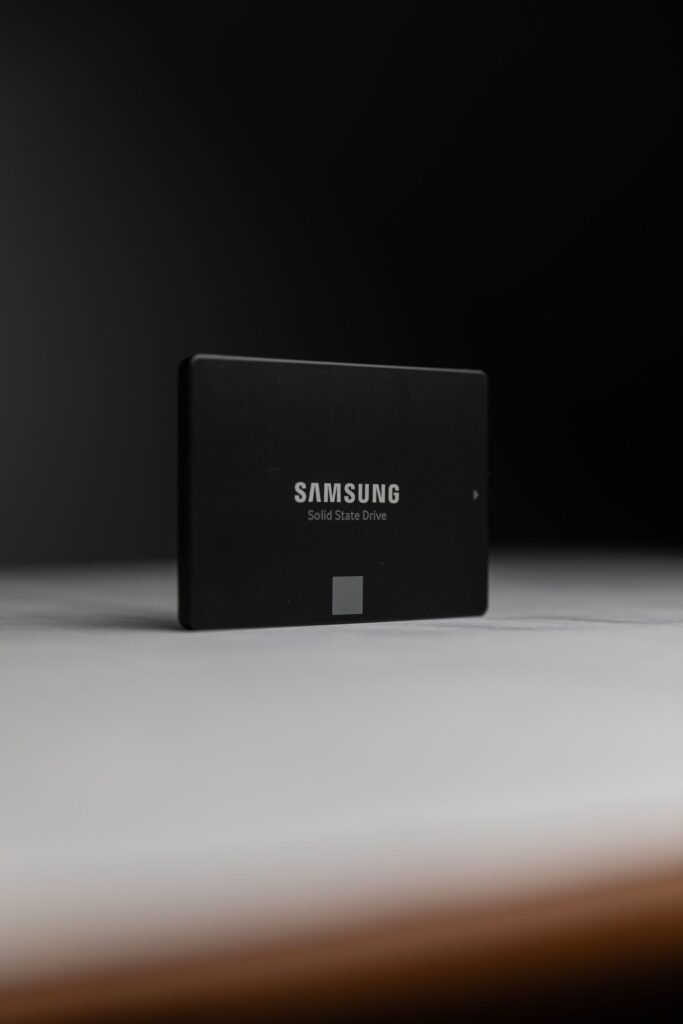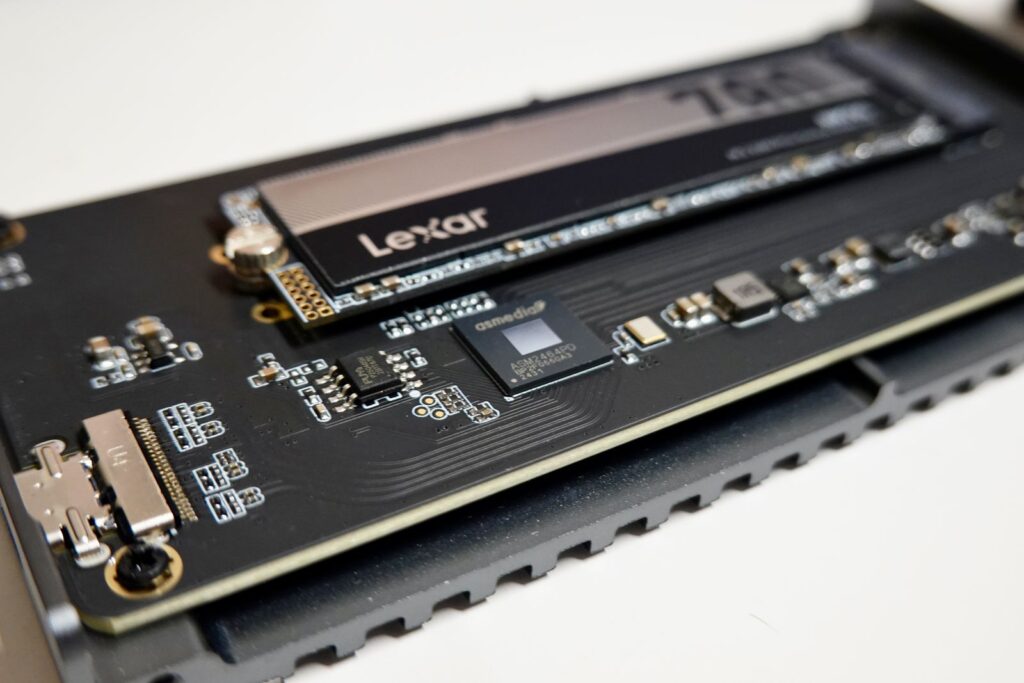


These two drives don’t share a capacity, and that’s the point — this isn’t a spec-for-spec rematch, it’s the real decision a lot of buyers face: step up to NVMe, or stay on SATA? The Micron 7300 Pro and Samsung PM893 are the SKUs we actually quote for each path, so here’s what the difference means in practice.
Quick answer
If your workload is actually bottlenecked on storage — databases, high-concurrency virtualization, anything latency-sensitive — the Micron 7300 Pro‘s NVMe interface and mixed-use endurance class are worth the jump. If you need reliable, high-capacity storage for general virtualization, file serving, or read-heavy workloads and SATA’s throughput ceiling isn’t your bottleneck, the Samsung PM893 does the job at a lower cost per drive.
Side-by-side comparison
| Micron 7300 Pro | Samsung PM893 | |
|---|---|---|
| Capacity (SKU we quote) | 3.84TB | 1.92TB |
| Interface | PCIe NVMe | SATA III 6Gb/s |
| Form factor | U.2 | 2.5″ |
| Sequential read | up to 3,000 MB/s | up to 550 MB/s |
| Sequential write | up to 2,600 MB/s | up to 520 MB/s |
| Random read | up to 450K IOPS | up to 98K IOPS |
| Random write | up to 120K IOPS | up to 30K IOPS |
| Endurance class | Mixed-use | Read-intensive |
| Warranty | 5-year limited | 5-year limited |
The interface gap is bigger than the numbers suggest
SATA III tops out around 550-600 MB/s no matter which drive you put behind it — that’s the ceiling of the interface, not the flash. The 7300 Pro’s NVMe connection bypasses that ceiling entirely, which is why the sequential numbers are roughly 5-6x apart. For general-purpose virtualization hosts, file servers, and boot volumes, that gap rarely matters — the workload was never going to saturate SATA in the first place. It matters a lot for database servers, high-concurrency hypervisors, and anything where storage latency shows up directly in application response time.
Endurance class: the difference the spec sheet buries
The PM893 is built as a read-intensive drive — optimized for workloads that mostly read data back rather than write to it constantly, which covers most file storage and general virtualization datastores. The 7300 Pro is rated for mixed-use, meaning it’s built to absorb a meaningfully higher sustained write load over its lifetime. If your workload leans write-heavy — logging pipelines, active databases, anything doing constant small writes — that endurance headroom matters more over three years than the raw throughput number does. Our Enterprise SSD buying guide covers how to size endurance class to your actual workload rather than defaulting to the fastest drive on the sheet.
When SATA is still the right call
NVMe isn’t a strict upgrade in every build. U.2 NVMe drives need a compatible backplane and enough PCIe lanes to actually deliver that throughput — retrofitting an older chassis built around SATA/SAS backplanes can cost more than the drive itself. If your current infrastructure is SATA-native and the workload isn’t storage-bound, the PM893 gets you enterprise reliability without a platform change. For a deeper breakdown of when the interface actually changes real-world performance, see our NVMe vs SATA comparison.
Buying refurbished
Both of these are available refurbished as well as new — look for the Condition option on each product page. See New vs. Refurbished: What Actually Changes for what that distinction actually means before you decide.
Frequently asked questions
Can I run NVMe and SATA drives in the same server?
Yes, as long as the chassis has the physical bays and backplane support for both — they don’t need to be the same interface to coexist, just properly provisioned for.
Is mixed-use endurance overkill for a read-heavy workload?
It’s not harmful, just unnecessary cost. A read-intensive drive like the PM893 is the right-sized choice when your workload doesn’t push sustained heavy writes.
Which one is better for a database server?
Generally the 7300 Pro — databases are usually both latency-sensitive and write-heavier than general file storage, which plays to NVMe’s strengths on both counts.
Not sure which fits your workload? Request a quote and tell us what you’re running, or browse the Solid State Drives category for current listings.