

Not all SSDs are built the same. The interface a drive uses — SATA or NVMe — has a bigger impact on real-world performance than most buyers expect, and it changes both what the drive costs and what it’s actually good for.
The core difference
SATA SSDs connect over the same interface and protocol originally designed for hard drives decades ago. It works, but it caps throughput at roughly 550–600 MB/s regardless of how fast the underlying flash memory could go. NVMe drives skip that legacy protocol entirely and connect directly over the PCIe bus — the same high-bandwidth pathway used by graphics cards — which removes the bottleneck completely.
| Factor | SATA SSD | NVMe SSD |
|---|---|---|
| Interface | SATA III (6Gb/s) | PCIe (via NVMe protocol) |
| Typical sequential throughput | Up to ~560 MB/s | Several GB/s, drive-dependent |
| Latency | Higher — legacy protocol overhead | Lower — direct PCIe access |
| Cost per TB | Lower | Higher |
| Catalog examples | Samsung PM893, Intel D3-S4510 | Micron 7300 Pro, Intel P4510 |
| Best fit | General server/workstation storage, boot drives | Databases, high-transaction apps, VM hosts |
SATA SSDs: the reliable workhorse
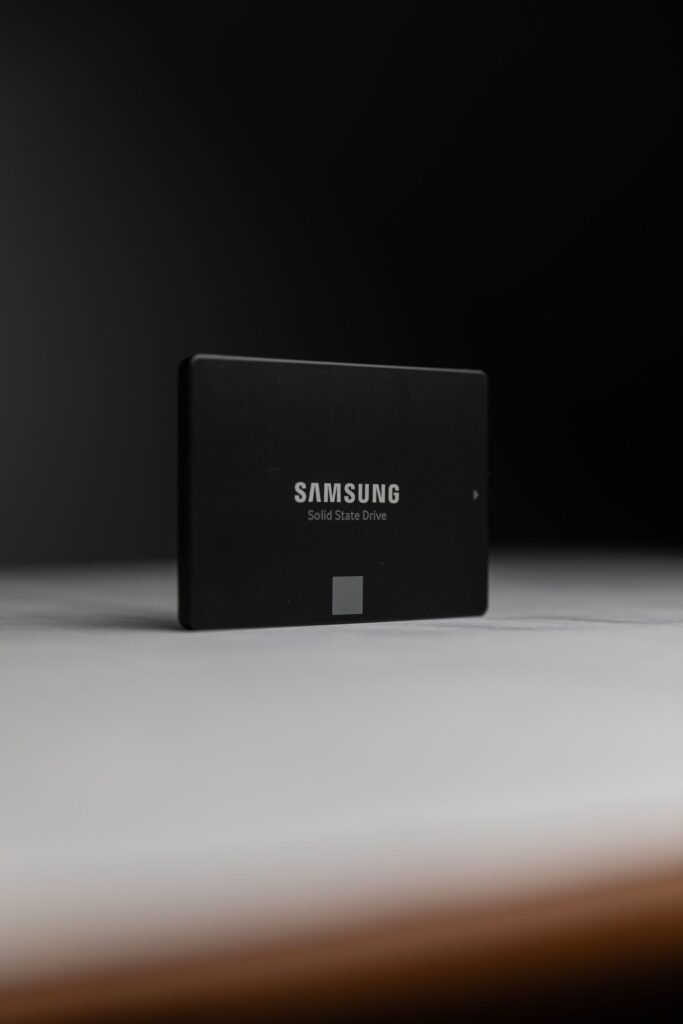
SATA SSDs like the Samsung PM893 and Intel D3-S4510 are still dramatically faster than any spinning disk, and they remain the cost-effective choice for general server storage, boot drives, and workloads that aren’t bottlenecked by raw throughput. If your current setup runs on HDDs, moving to SATA SSDs alone is often the single biggest performance upgrade available before you even need to consider NVMe.
NVMe SSDs: built for speed
Drives like the Micron 7300 Pro and Intel P4510 can deliver several times the throughput of SATA SSDs with far lower latency, which matters for database workloads, high-transaction applications, and virtualization hosts running many VMs on shared storage where every drive is being hit with requests simultaneously.
So which one do you actually need?
If your bottleneck today is storage speed — slow database queries, VM contention during peak hours, or visible I/O wait times in your monitoring — NVMe is worth the premium. If you’re provisioning general-purpose server or workstation storage and cost per gigabyte matters more than shaving milliseconds off each request, SATA SSDs still deliver excellent value with none of the downsides of spinning disks.
A useful gut check: if you can’t point to a specific, measured performance complaint today, SATA is very likely the more cost-effective choice. NVMe earns its premium when you have an actual bottleneck to solve, not as a default upgrade.
Frequently asked questions
Can I mix SATA and NVMe drives in the same server?
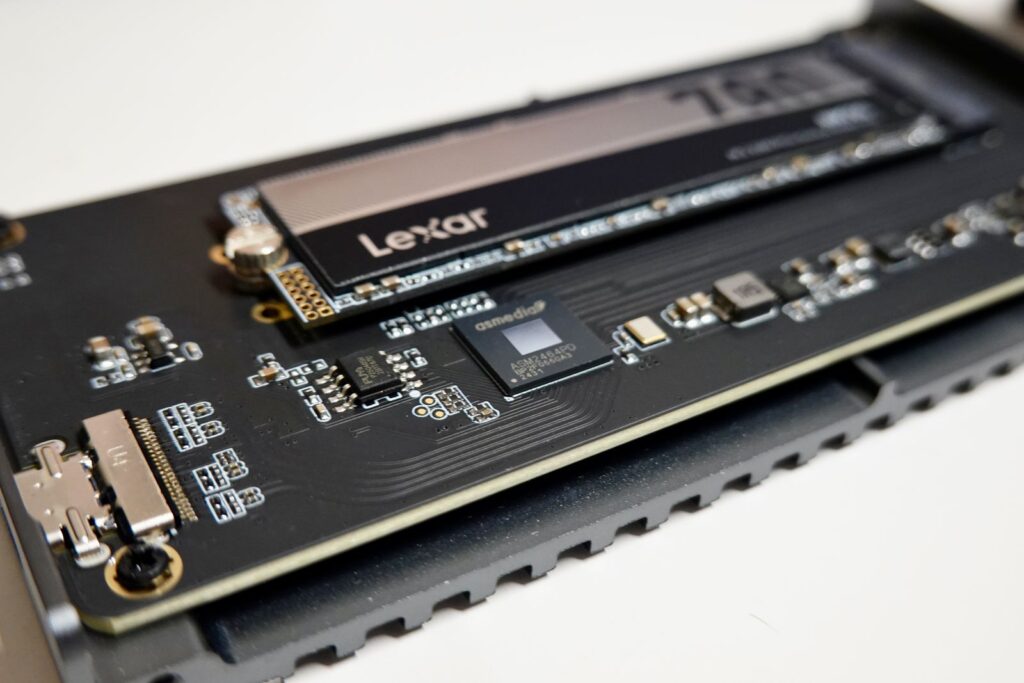
Yes, as long as your server has the right physical connections for each (SATA ports for SATA drives, M.2 or U.2 slots for NVMe). Many servers use NVMe for a small, fast tier and SATA SSDs for bulk active storage.
Does NVMe require special hardware?
Your server or motherboard needs NVMe-capable slots (M.2 or U.2) or a PCIe adapter card. Most enterprise servers from the last several years support this natively — worth confirming before ordering if you’re working with older hardware.
Is NVMe overkill for a small business file server?
Usually yes. A file server serving a handful of users rarely saturates even a SATA SSD’s throughput. NVMe makes the most sense where multiple demanding workloads compete for the same storage simultaneously.
Browse our full range of enterprise SSDs, both SATA and NVMe, or reach out if you want help matching a drive to your workload.