


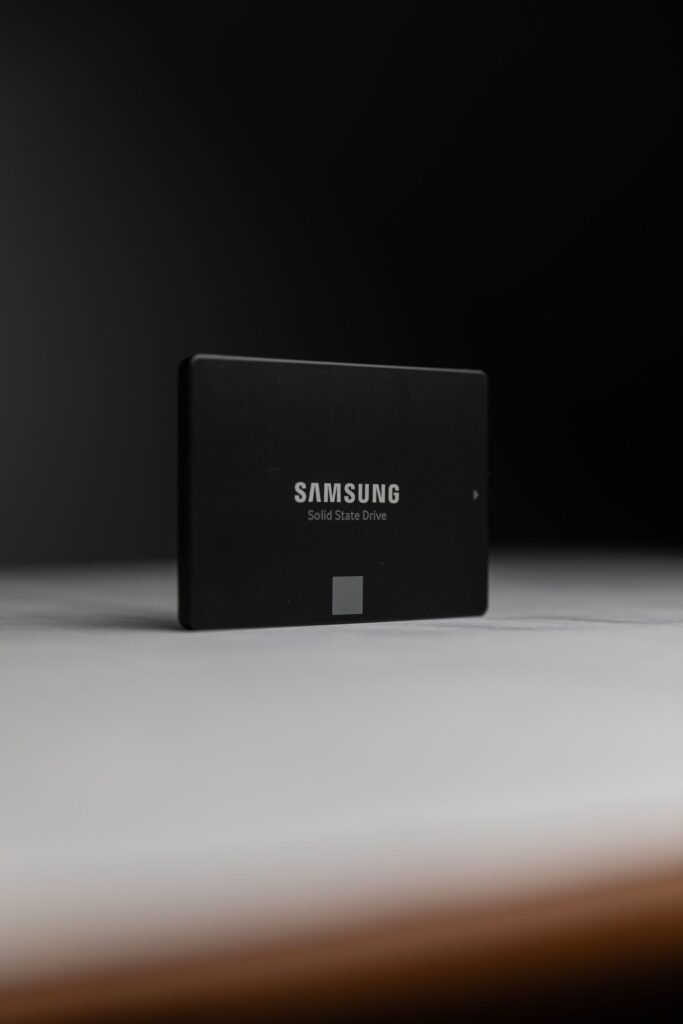
Choosing between Solid State Drives (SSDs) and Hard Disk Drives (HDDs) is one of the first decisions IT teams face when planning storage for servers, workstations, or backup systems. Both technologies still have a firm place in modern infrastructure — the right choice comes down to matching the drive’s strengths to your actual workload, not picking whichever is newer.
How they actually work
An HDD stores data on spinning magnetic platters, read and written by a mechanical arm that has to physically move to the right location on the disk. An SSD stores data in flash memory chips with no moving parts at all — any block of data can be reached in roughly the same tiny amount of time, regardless of where it sits on the drive. That single architectural difference explains almost every practical tradeoff between the two.
Side-by-side comparison
| Factor | SSD | HDD |
|---|---|---|
| Random read/write speed | Very high — no seek time | Limited by mechanical seek time |
| Cost per TB | Higher | Lower, often by 3–5x |
| Max practical capacity (this catalog) | Up to 3.84TB (Micron 7300 Pro) | Up to 20TB (Seagate Exos X20) |
| Power draw under load | Lower | Higher — motor and actuator draw |
| Failure pattern | Wears gradually with write volume | Can fail suddenly (mechanical) |
| Best fit | Databases, VM hosts, boot drives | Backup, archival, bulk storage |
When SSDs make the difference
SSDs excel anywhere response time directly affects performance: virtualization hosts running many VMs on shared storage, database servers handling constant random reads and writes, and any application where users notice latency. Enterprise SSDs like the Samsung PM893 series are built for 24/7 data center duty cycles with endurance ratings designed for sustained write-heavy workloads, not just burst performance.
When HDDs still win on the numbers
For raw capacity per dollar, HDDs remain hard to beat. If you’re storing large volumes of backup data, archival files, or media that isn’t accessed frequently, a high-capacity drive like the Seagate Exos X20 (20TB) delivers far more storage per dollar than any SSD at the same price point. HDDs are also a mature, well-understood technology for bulk storage arrays and NAS systems where sequential throughput matters more than random access speed.
A practical rule of thumb
Most businesses land on a hybrid approach: SSDs for anything performance-sensitive (OS drives, databases, virtual machine hosts) and HDDs for bulk or archival storage. This gets you speed where it actually matters and capacity where it counts, without overspending on either end. A common starting ratio for a general-purpose server refresh is roughly 20–30% of total capacity on SSD for active workloads, with the rest on HDD for backups and cold data — though your actual split should follow your I/O patterns, not a fixed formula.
Frequently asked questions
Can I mix SSDs and HDDs in the same server?
Yes — this is standard practice. Most enterprise servers support tiered storage, with SSDs handling the operating system and active databases while HDDs handle bulk and archival data on the same chassis or in an attached storage array.
Do SSDs really last as long as HDDs in a server environment?
Enterprise SSDs are rated for a specific number of full-drive writes over their warranty period (endurance), which for data-center-class drives typically covers years of sustained heavy use. For read-heavy workloads, SSD lifespan in practice often exceeds that of comparable HDDs, since there’s no mechanical wear.
Is it worth replacing all HDDs with SSDs?
Usually not from a cost standpoint, unless your workload is genuinely latency-sensitive across the board. For bulk backup or archival storage, HDDs still deliver better economics with no meaningful performance downside for that use case.
Not sure which fits your setup? Browse our enterprise SSDs and enterprise HDDs, or get in touch and we’ll help you size the right mix for your workload.

Pingback: Enterprise Hard Drive Buying Guide: CMR, Workload, Helium