

Not every SFP module is interchangeable, and picking the wrong one means a link that won’t come up at all, or one that works but leaves 10 gigabits of switch capacity unused. If you’re adding a switch-to-server or switch-to-switch link and aren’t sure whether you need fiber or copper, here’s how to choose.
What an SFP actually does
An SFP (small form-factor pluggable) is a hot-swappable module that plugs into a switch’s SFP or SFP+ cage and terminates either a fiber or copper connection, converting the electrical signal inside the switch into whatever the far end needs. Cisco Catalyst switches like the 9300 and 2960X series ship with these cages specifically so you can choose the connection type per port rather than being locked into one cabling standard for the whole switch.
Fiber vs. copper: the three modules compared
| Module | Interface | Connector | Max Distance | Best For |
|---|---|---|---|---|
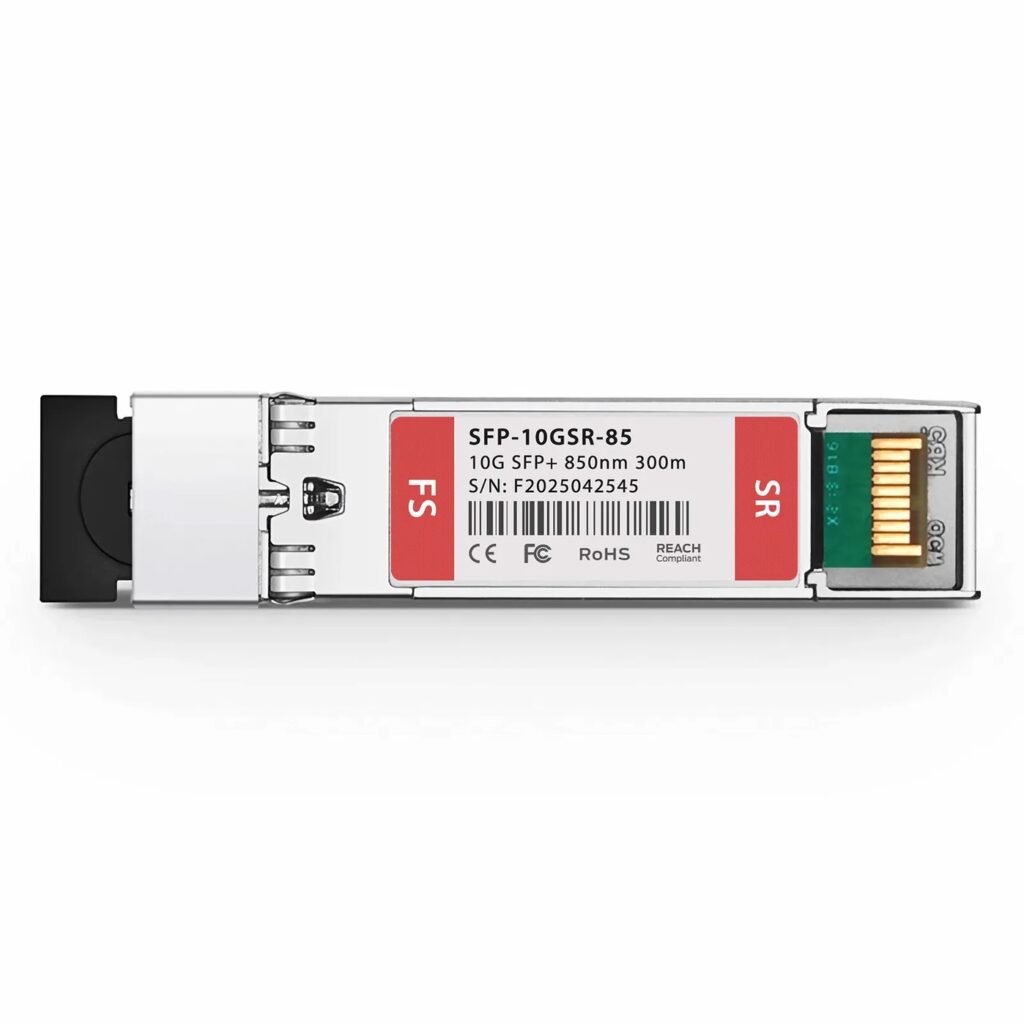
| Cisco SFP-10G-SR compatible | 10GBASE-SR | LC Duplex, multimode | 300m (OM3) / 400m (OM4) | Server room or data center runs over existing multimode fiber |
| Cisco GLC-T compatible | 1000BASE-T | RJ-45, copper | 100m | Extending Gigabit Ethernet where fiber was never run |
| Cisco SFP-10G-T-S compatible | 10GBASE-T | RJ-45, copper | 30m (Cat6a) / 80m (Cat7) | A 10-gigabit upgrade without re-cabling to fiber |
If you already have the cabling, the choice is usually made for you
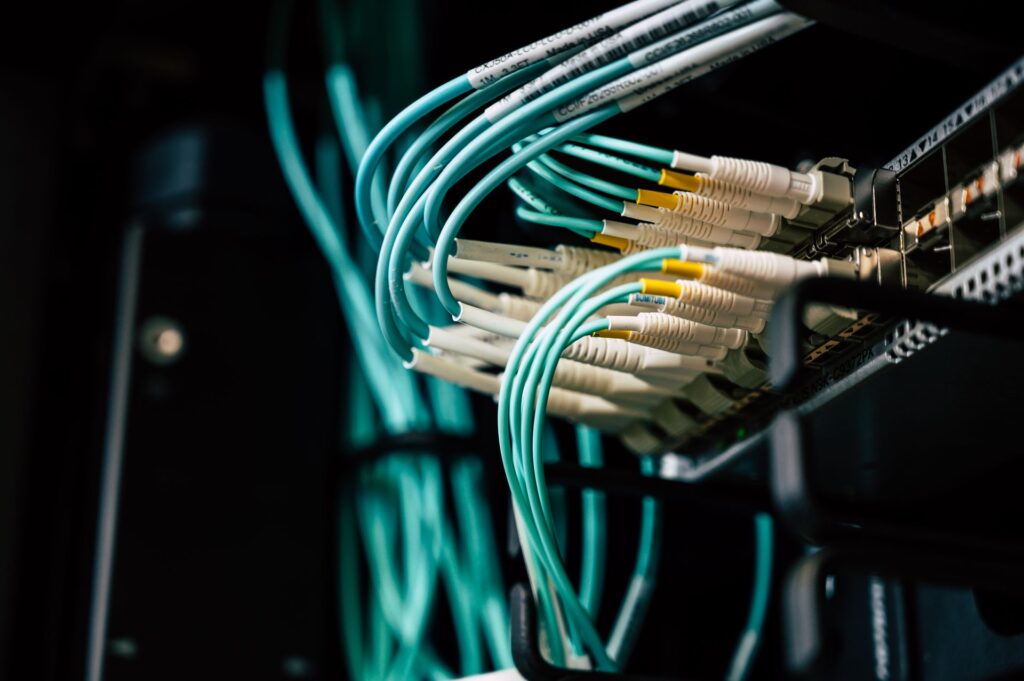
Most of this decision comes down to what’s already in the wall or the rack, not preference. If you have multimode fiber runs between a server room and a wiring closet, the SFP-10G-SR is the straightforward choice and gives you the most headroom. If you’re stuck with copper — a short run within a rack, or an office that was never fiber-wired — GLC-T covers a Gigabit link and SFP-10G-T-S covers 10-gigabit, provided the run is under its distance limit and the cable is rated for it. Running 10GBASE-T over old Cat5e will not hit rated speed; check your cable grade before assuming the module is at fault.
A note on compatibility
All three of these are MSA-compliant, meaning they follow the same physical and electrical standard as Cisco’s own SFP-10G-SR, GLC-T, and SFP-10G-T-S modules and work in the same cages. Some older, unpatched Cisco IOS versions ship with an authentication check that flags non-Cisco-branded optics with a warning (and in stricter configurations, disables the port). If you hit this, the service unsupported-transceiver global configuration command tells the switch to accept third-party optics — a documented, standard Cisco command, not a workaround. Current-generation IOS on the Catalyst 9200L and 9300 series generally doesn’t enforce this by default.
All three also support DOM (Digital Optical Monitoring), which lets you check real-time temperature, voltage, and optical power straight from the switch CLI — useful for catching a degrading fiber link before it drops entirely, since laser output typically weakens gradually rather than failing outright.
Frequently asked questions
Can I mix compatible and Cisco-branded SFPs in the same switch?
Yes. Each SFP cage operates independently — there’s no requirement that every port in a switch use the same brand or type of optic.
Will SFP-10G-T-S give me 10 gigabits over any Ethernet cable I already have?
Only if the run is rated for it. Cat6a supports the full 30m spec; standard Cat6 typically only reaches around 15m at 10G before error rates climb, and Cat5e isn’t rated for 10GBASE-T at any practical distance.
Do I need DOM support, or is it optional?
It’s built into all three modules here at no extra cost, so there’s no reason to choose a non-DOM alternative — but not using the monitoring data doesn’t cost you anything either.
Browse our full accessories lineup, including all three SFP modules above, or contact our team if you’re not sure which one matches your existing cabling.