

If you’re building a ZFS pool, a TrueNAS box, or any software-RAID storage server, the advice you’ll run into almost immediately is “get an HBA in IT mode.” Here’s what that actually means, why the LSI 9211-8i specifically became the default recommendation in that community, and what to check before you buy one.
IT mode vs. RAID mode
Most SAS/SATA controller cards can run in one of two personalities. RAID mode presents drives to the operating system as pre-built RAID volumes, with the card’s own firmware handling parity, striping, and rebuilds — useful for Windows Server or hardware-RAID setups, but a problem for ZFS, TrueNAS, Unraid, or any software RAID, all of which need to see the physical drives directly to manage redundancy themselves. IT mode (Initiator-Target mode) strips that out and turns the card into a simple pass-through: every drive shows up to the OS exactly as if it were plugged into a plain SATA/SAS port, with no RAID logic sitting in between to interfere with ZFS’s own checksumming and self-healing.
Why the 9211-8i and SAS2008 chipset specifically
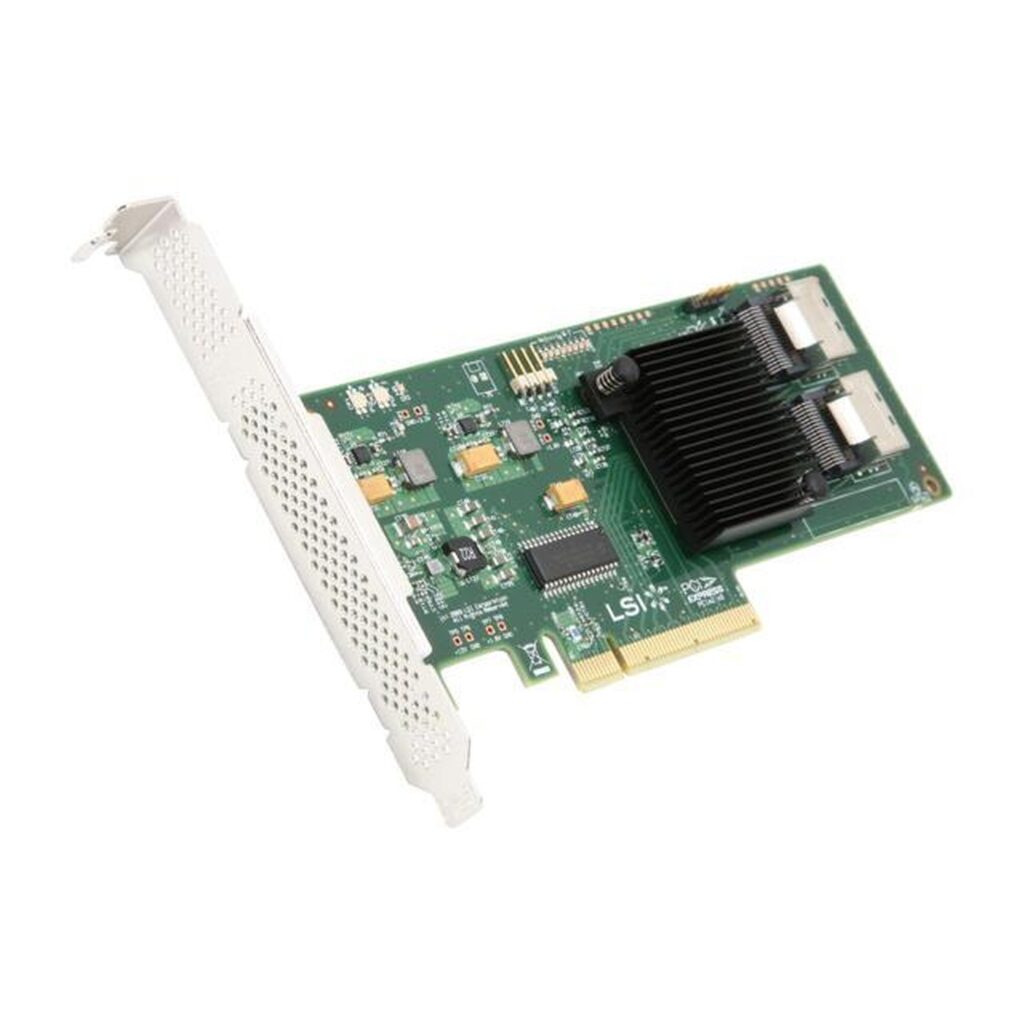
The LSI 9211-8i is built on the SAS2008 chipset, which has years of mature, well-tested Linux and BSD driver support (mpt2sas/mpt3sas) — the same reason it shows up repeatedly across ServeTheHome and r/homelab build threads. Flashed to the community-standard P20 firmware, it presents all 8 ports as pure pass-through with no RAID BIOS to disable or fight with during boot. It’s a PCIe 2.0 x8 card, which is plenty of bandwidth for 8 SAS/SATA spinning drives or SSDs — PCIe 2.0 x8 provides roughly 4GB/s of aggregate bandwidth, well above what 8 mechanical drives can saturate even under sequential load.
Pairing it with NVMe for a hybrid pool
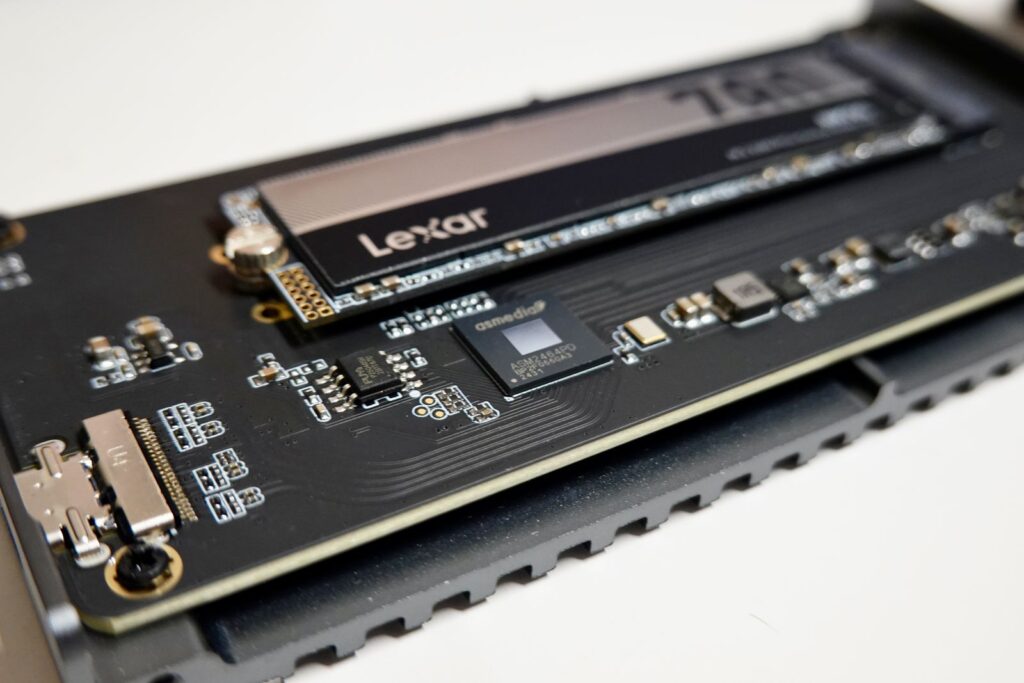
A common ZFS layout pairs bulk SAS/SATA storage on the 9211-8i with a fast NVMe drive for a ZIL (ZFS Intent Log) or L2ARC cache. Since most desktop and older server motherboards don’t have a native U.2 slot, a U.2-to-PCIe adapter card in a second PCIe slot is the straightforward way to add an enterprise U.2 NVMe drive to the same build without giving up a SATA port to it.
What to check before you buy
- PCIe slot and lanes. It’s a physical x8 card; it will fit in an x16 slot (running at x8 electrically) but won’t fit in a x4 or x1 slot without an open-ended riser.
- Cabling. The 9211-8i uses two SFF-8087 (mini-SAS) ports. Check whether your case or backplane expects SFF-8087 or the newer SFF-8643 connector before ordering cables.
- Cooling. These cards run hot under sustained load and typically ship without a fan. Case airflow directly over the card’s heatsink matters more than it looks like it should.
- Drive count beyond 8. The two ports support 8 drives directly; a SAS expander backplane can fan that out further if your case has more bays than the card has native ports.
Frequently asked questions
Do I need to flash it to IT mode myself?
No — ours ships pre-flashed to P20 IT-mode firmware, ready to pass drives straight through on first boot.
Will this work with TrueNAS, Unraid, or Proxmox?
Yes. IT mode pass-through is OS-agnostic — any Linux, BSD, or Windows system that can address individual drives will see them normally through this card.
Can I use this for a hardware RAID array instead?
Not in IT mode. If you specifically need hardware RAID, you’d want a different card running in its RAID personality — this one is deliberately configured for pass-through only.
See the full accessories lineup, including the 9211-8i and U.2 adapter card above, or contact our team if you’re planning a build and want a second opinion on compatibility.