

A network switch is easy to overlook until it becomes a bottleneck. Picking the right one up front saves you from a costly re-purchase down the line, and from the harder-to-quantify cost of a network that quietly slows everyone down for months before anyone traces it back to the switch. Here’s what actually matters when sizing a switch for your business.
Start with port count and growth room
Count your current wired devices, then add real headroom — new desks, access points, printers, cameras, and IoT devices all add up faster than teams expect. A 24-port switch already running 20 connections is a problem within a year, not a decade. Sizing one tier up front is almost always cheaper than swapping hardware later, since the labor and downtime of a switch migration usually costs more than the price difference between models.
| Business size (wired devices) | Typical starting point | Example from this catalog |
|---|---|---|
| Under 20 | 24-port Layer 2 switch | Cisco Catalyst 2960X-24TS-L |
| 20–40 | 48-port Layer 2 switch | Cisco Catalyst 2960X-48TS-L |
| 40+ or multiple VLANs needed | Layer 3 switch, 24 or 48 port | Cisco Catalyst 9200L or 9300 series |
Gigabit access vs. 10G uplinks
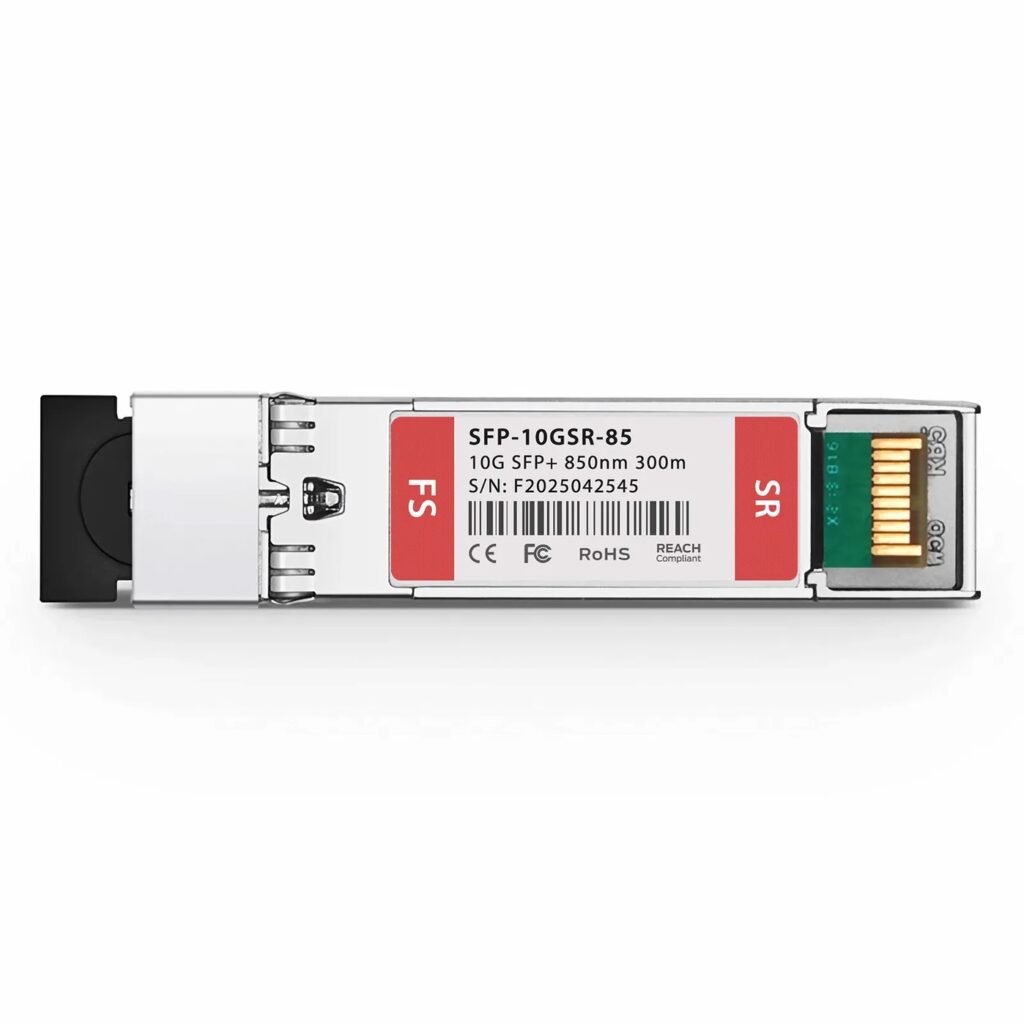
Most access ports on switches like the Cisco Catalyst 9200L and 2960X series run at Gigabit speeds, which is plenty for desktops and laptops. What matters more is the uplink — the connection back to your core switch or server rack. A 10G uplink, standard on the 9200L and 9300 series, prevents that single link from becoming a chokepoint as more devices and heavier applications (video calls, cloud backups, file syncs) move traffic across your network simultaneously.
Layer 2 vs. Layer 3: does it matter for you?
Simple networks with a single subnet run fine on a Layer 2 switch like the Catalyst 2960X series — it switches traffic within your local network efficiently and costs less. If you need to segment traffic with VLANs (separating guest Wi-Fi, VoIP, and internal traffic) and route between those segments without a separate router, a Layer 3 switch like the Catalyst 9300 handles that natively, simplifying your network design and giving you a single point of configuration instead of a switch-plus-router combination.
Power over Ethernet (PoE), if you need it
If you’re powering access points, VoIP phones, or security cameras, PoE support removes the need for separate power adapters and outlets at every device. It also means those devices stay powered through a UPS connected to your switch rather than needing individual battery backups. Check the PoE budget (total wattage the switch can supply) against your actual device count — a switch with PoE ports but an insufficient power budget won’t power every port simultaneously.
Don’t forget these three things
- Rack space and cooling. A 48-port switch in a small closet without airflow will run hotter and may throttle or fail early.
- Management. Managed switches (all models in this catalog) let you monitor port errors, traffic load, and configure VLANs remotely — unmanaged switches give you none of that visibility when something goes wrong.
- Firmware support lifecycle. Buying current-generation hardware like the 9200L/9300 series means continued security patches, unlike end-of-life models no longer receiving updates.
Frequently asked questions
Can I just buy the cheapest switch with enough ports?
You can, but unmanaged or consumer-grade switches typically lack VLAN support, PoE budget headroom, and any visibility into port errors or traffic — all of which become expensive to retrofit later. For any business network beyond a handful of devices, a managed switch pays for itself in reduced troubleshooting time alone.
How many uplink ports do I actually need?
One 10G uplink is sufficient for most single-switch deployments. If you’re connecting multiple switches in a stack or to a core switch, plan for one uplink per switch at minimum, with redundant uplinks for anything business-critical.
Should I buy new or would a Layer 2 switch now and Layer 3 later work?
If you’re already close to needing VLANs (guest Wi-Fi, VoIP, or multiple departments needing separation), buy Layer 3 now — migrating a live network from Layer 2 to Layer 3 later means reconfiguring routing and often replacing the switch anyway.
Explore our current lineup of enterprise network switches, or contact us and describe your setup — we’ll help you match port count, uplink speed, and features to your network.