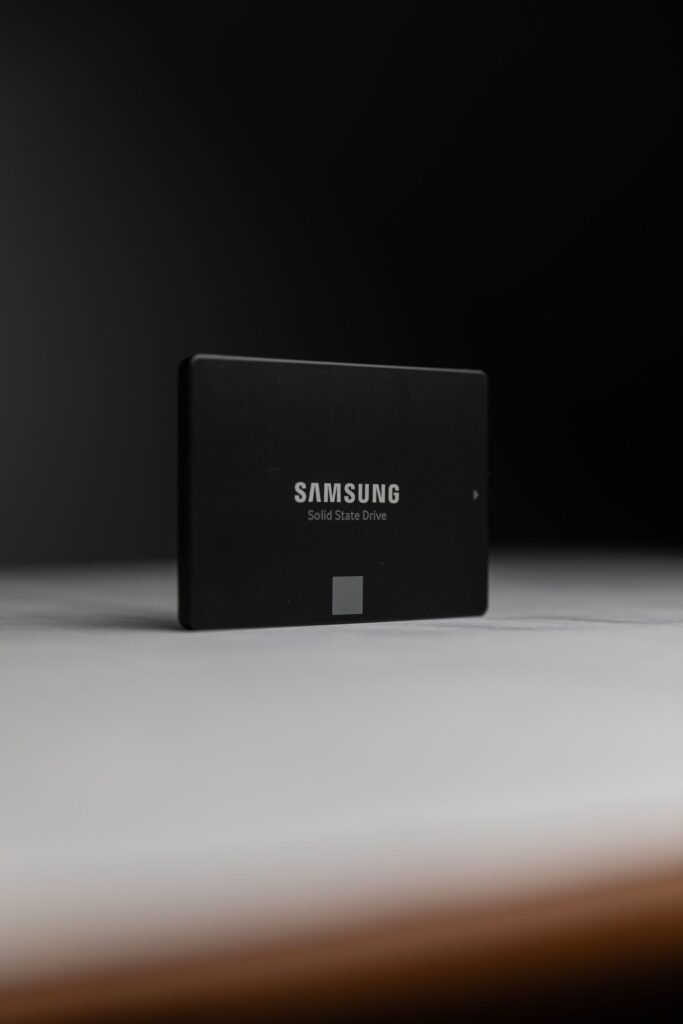


The Samsung PM893 and Intel D3-S4510 sit in the same class: 2.5-inch, SATA III, read-intensive enterprise SSDs aimed at the same workloads. On paper their performance numbers are close enough that the spec sheet alone won’t make the decision for you — here’s what actually differs.
Quick answer
Performance-wise, these two are close enough that either one is a safe choice for general server and virtualization workloads. The Intel D3-S4510 has a small edge in rated random write IOPS. The Samsung PM893 is available from us in both 960GB and 1.92TB, giving you a capacity option the D3-S4510 listing doesn’t. If you’re already running a fleet of one brand, matching it usually beats a marginal spec difference.
Side-by-side comparison
| Samsung PM893 | Intel D3-S4510 | |
|---|---|---|
| Capacities we quote | 960GB, 1.92TB | 960GB |
| Interface | SATA III 6Gb/s | SATA III 6Gb/s |
| Form Factor | 2.5 inch | 2.5 inch |
| Sequential Read | up to 550 MB/s | up to 560 MB/s |
| Sequential Write | up to 520 MB/s | up to 510 MB/s |
| Random Read IOPS | up to 98K | up to 97K |
| Random Write IOPS | up to 30K | up to 36K |
| Warranty | 5-year limited | 5-year limited |
Both are SATA III drives, so the interface itself caps sequential throughput around the same ceiling regardless of brand — the 10 MB/s gaps in the table above aren’t something you’d notice in real-world use. The more relevant gap is random write IOPS, where the D3-S4510 is rated meaningfully higher, which matters more for database and metadata-heavy workloads than for general file storage.
Where they’re genuinely different
Capacity availability is the clearest practical difference: we quote the PM893 in both 960GB and 1.92TB, so it’s the option if you need more headroom per drive bay without stepping up to NVMe. Samsung’s PM893 is also documented as tested against Dell, HPE, and Supermicro server platforms specifically, which is worth knowing if compatibility validation with a particular server vendor matters to your procurement process.
Does the small IOPS gap actually matter?
For most virtualization hosts, file servers, and general-purpose database workloads, no — both drives are read-intensive class SSDs built for the same job, and the random write difference is small enough that other factors (what’s already in your rack, current pricing, lead time) are more likely to decide the purchase than a few thousand IOPS. It becomes relevant if you’re running a write-heavy workload close to the edge of what a read-intensive drive is rated for, in which case neither of these SATA drives may be the right fit — that’s when it’s worth looking at an NVMe option instead.
Frequently asked questions
Are these drives interchangeable in the same RAID array?
Both are standard SATA III drives and will work together mechanically, but mixing brands and models in the same array means the pool inherits the lower drive’s performance and endurance characteristics. Matching drives is the safer choice for predictable performance.
Is either of these suitable for boot drives?
Yes — both are common choices for OS/boot volumes in servers, alongside their use as bulk or VM datastore volumes.
Should I go NVMe instead of either of these?
Only if your workload is actually bottlenecked by SATA’s throughput ceiling. If you’re not sure, our NVMe vs SATA guide walks through how to tell.
Need a specific quantity of either drive? Request a quote, or browse the rest of the Solid State Drives category.