

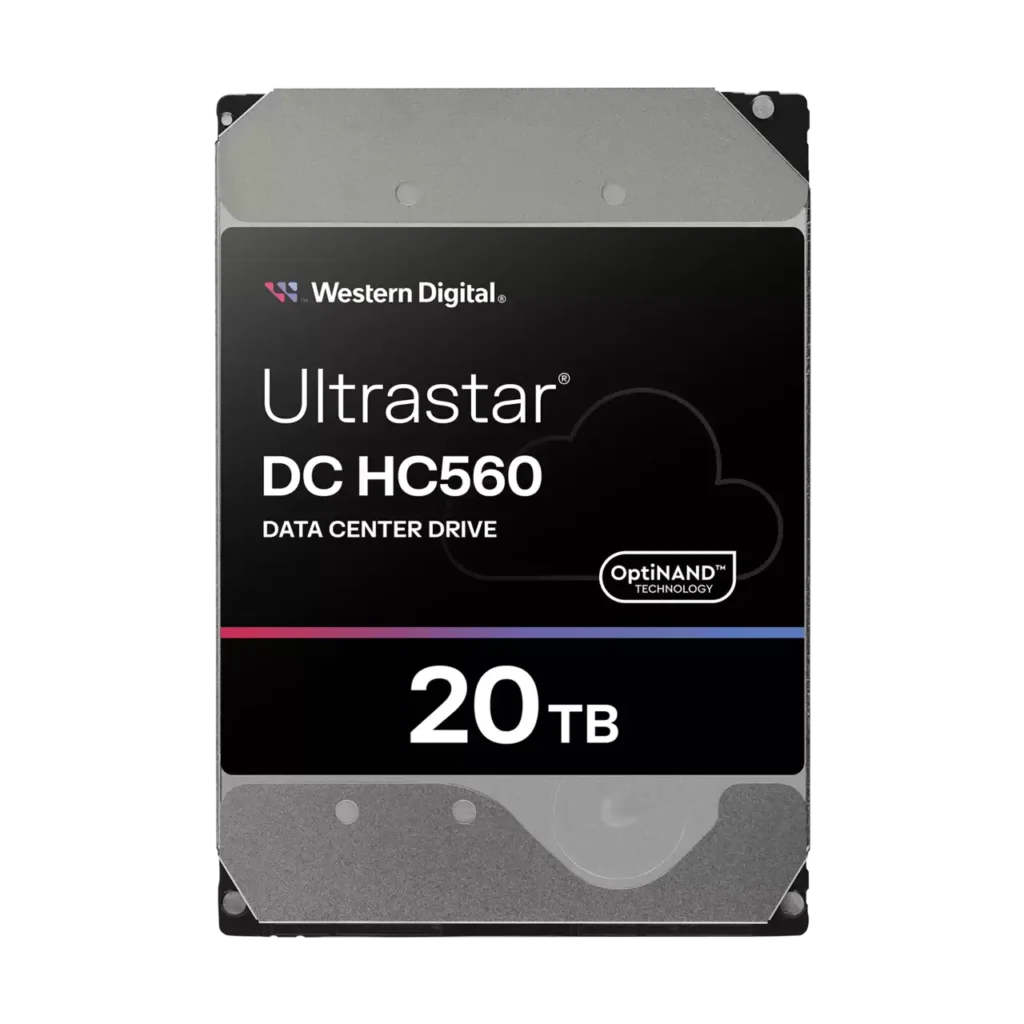
Western Digital’s Ultrastar DC line covers a wide capacity range, and the HC520, HC550, and HC560 all look nearly identical on a spec sheet: 3.5-inch, SATA, 7200 RPM, enterprise-grade. The real differences are capacity and recording technology, and they matter more than they might look for a NAS or server rebuild.
Quick answer
If cost-per-drive matters most and 12TB covers your needs, the HC520 is the most affordable of the three. If you want the best balance of capacity and the newer CMR recording technology, the HC550 at 16TB is the middle ground. If you need the most capacity per drive bay, the HC560 at 20TB is WD’s highest-capacity CMR drive in this line.
Side-by-side comparison
| HC520 | HC550 | HC560 | |
|---|---|---|---|
| Capacity | 12TB | 16TB | 20TB |
| Recording technology | PMR (Perpendicular) | CMR (Conventional) | CMR (Conventional) |
| Helium design | 4th-generation HelioSeal | HelioSeal | 7th-generation HelioSeal |
| Interface | SATA 6Gb/s | SATA 6Gb/s | SATA 6Gb/s |
| Speed | 7200 RPM | 7200 RPM | 7200 RPM |
| Workload rating | 550TB/year | 550TB/year | 550TB/year |
| MTBF | 2.5 million hours | 2.5 million hours | 2.5 million hours |
PMR vs CMR: why it’s worth knowing before you buy
CMR (Conventional Magnetic Recording) writes each track independently, so a rewrite only touches the data you’re actually changing. PMR (Perpendicular Magnetic Recording) is an earlier — but still field-proven — recording generation, and is distinct from SMR (Shingled Magnetic Recording), the technology known for write-amplification issues in some consumer drives. If you’re building a RAID array or a ZFS/TrueNAS pool, CMR (the HC550 and HC560) tends to be the safer default for consistent rebuild times, since rebuilds involve heavy, sustained writes across the whole drive.
Picking by capacity and budget
For most backup targets, secondary NAS units, or budget-conscious storage refreshes, the 12TB HC520 covers a lot of ground at the lowest cost per drive. Once you’re planning around a fixed number of drive bays — a 4-bay or 8-bay NAS chassis, for example — and want to maximize usable capacity without adding more drives, stepping up to the 16TB HC550 or 20TB HC560 gets you more storage per bay and per rebuild cycle, at a higher cost per drive but often a lower cost per terabyte.
Do they mix in the same array?
Most RAID controllers and software RAID (including ZFS) will technically accept different capacities and generations of drive in the same pool, but the usable array size is set by the smallest drive — mixing a 12TB HC520 with 20TB HC560 units means the extra capacity on the larger drives goes unused unless you partition around it. For a new build, matching capacity (and ideally recording technology) across all drives in the same array is the simpler, more predictable choice.
Frequently asked questions
Is PMR less reliable than CMR?
No — PMR is a mature, reliable recording technology, not a step down in build quality. The main practical difference is write behavior under heavy random-write workloads, not longevity or failure rate.
Are these drives NAS-compatible?
Yes. All three use a standard SATA interface and are commonly deployed in enterprise NAS chassis, servers, and DAS enclosures.
What’s the warranty on these drives?
Warranty terms vary by model and purchase channel — check the product page or contact us for the specific coverage on the unit you’re ordering.
Need a specific capacity in bulk? Request a quote, or browse the rest of the Hard Disk Drives category for current listings.