

A TrueNAS or ZFS build lives or dies on three component choices: the HBA, the drives, and whether you add NVMe for cache. Get those right and the rest of the build is straightforward. Here’s how the pieces fit together.
The HBA: why IT mode matters
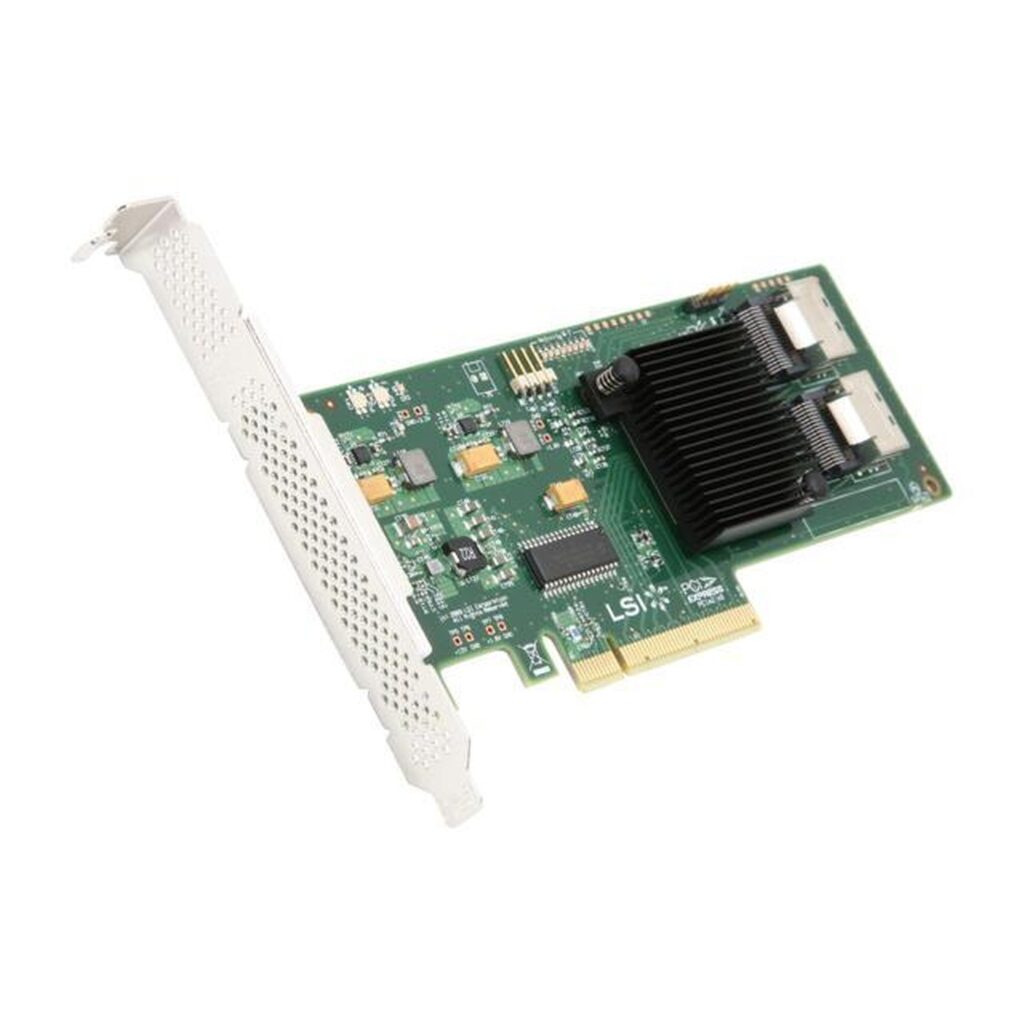
ZFS wants direct, unmediated access to each drive — not a hardware RAID controller sitting between it and the disks. That’s what an HBA flashed to IT mode provides: pass-through connectivity to every drive with no RAID layer in the way. Our IT mode explainer covers why this matters in more depth; the short version is that the LSI 9211-8i is the standard, well-supported choice for exactly this purpose, giving you 8 drives of direct SAS/SATA connectivity over PCIe.
Choosing drives: CMR, not SMR
ZFS pool rebuilds (called “resilvers”) involve sustained, heavy writes across every drive in the vdev — the same scenario where SMR drives cause serious slowdowns or timeouts. Stick to CMR drives for any ZFS pool; our hard drive buying guide covers the difference in detail, and the Seagate Exos and most Western Digital Ultrastar drives we quote are CMR. For a straightforward pool, matching capacity and recording technology across all drives keeps resilver times predictable.
Do you need NVMe cache?
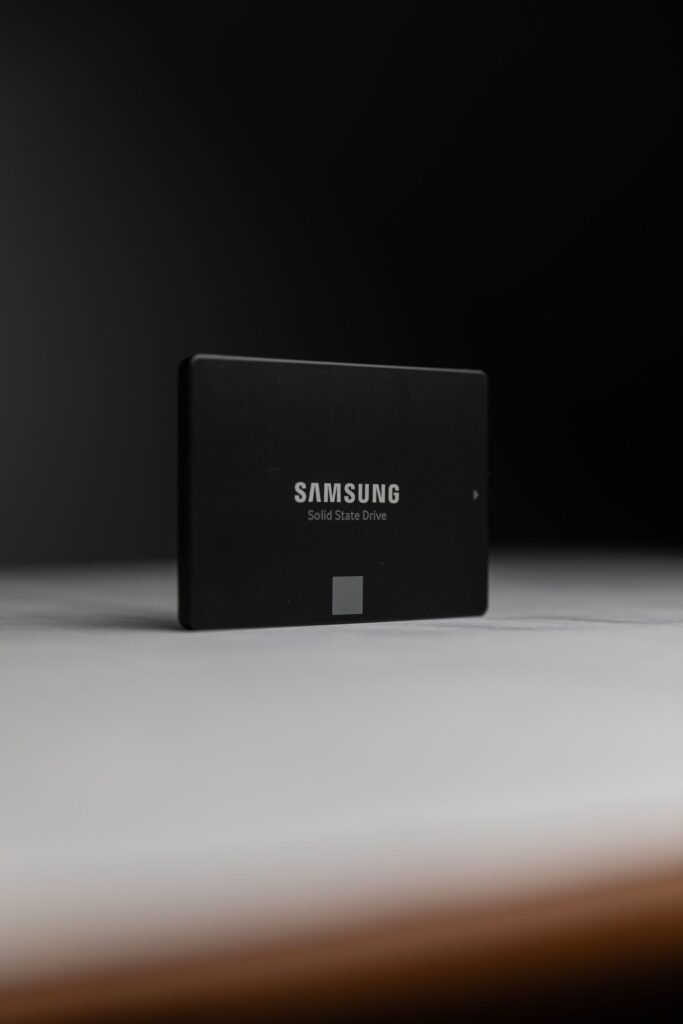
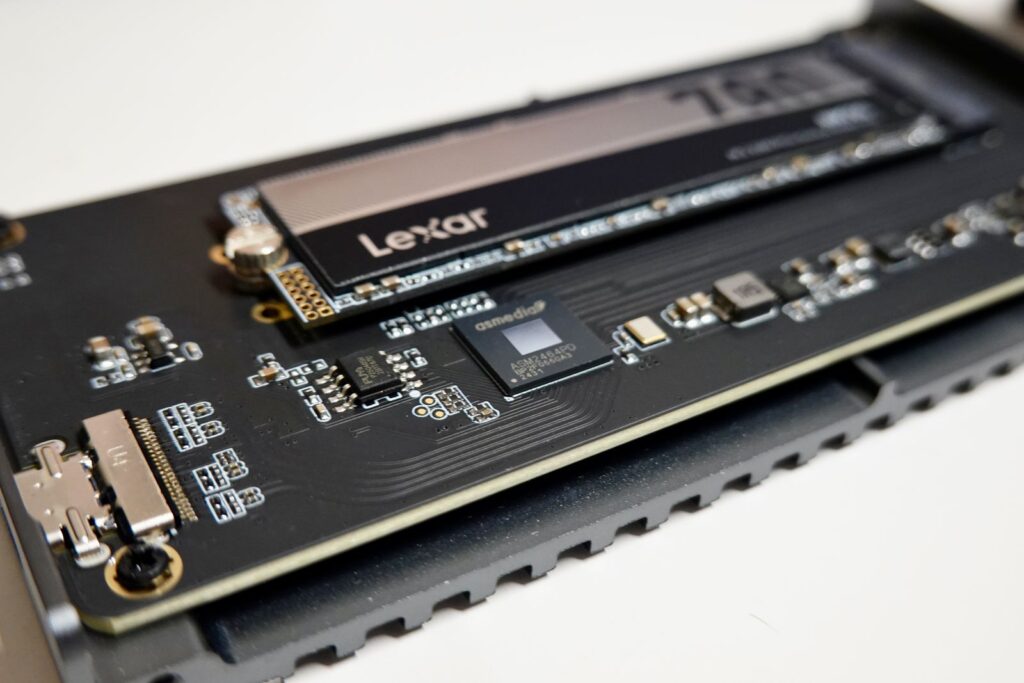
ZFS supports adding NVMe drives as a read cache (L2ARC) or write log (SLOG) to speed up specific workloads without paying for an all-flash pool. This is optional, not required — a bulk HDD pool without cache is a perfectly capable build for backup targets and general file storage. It becomes worth adding when you have a workload with a lot of small, synchronous writes (a SLOG helps here) or a working set that doesn’t fit in RAM but gets accessed repeatedly (where L2ARC helps). If your server doesn’t have a native U.2 or M.2 slot free for this, a U.2 to PCIe adapter card lets you add an enterprise NVMe drive through a standard PCIe slot instead.
A simple build outline
- HBA: LSI 9211-8i, flashed to IT mode, one card covers up to 8 drives
- Pool drives: matched-capacity CMR HDDs — Seagate Exos or WD Ultrastar, sized to your capacity need
- Optional cache/log: an enterprise NVMe SSD via a U.2-to-PCIe adapter if your workload benefits from it
- Pool layout: decided by your redundancy needs (mirrors for performance and simplicity, RAIDZ for capacity efficiency) — a decision made in TrueNAS itself, not a hardware purchase
Frequently asked questions
Can I mix drive brands in the same pool?
Technically yes, but matching capacity and recording technology (CMR vs PMR) across all drives in a vdev keeps performance and resilver behavior predictable.
Do I need a SLOG for a typical home or small-business NAS?
Usually not — SLOG mainly benefits workloads with heavy synchronous writes, like some database or VM storage use cases. General file sharing and backup targets rarely need one.
How many drives does one LSI 9211-8i support?
8 drives directly. Larger builds typically use multiple HBAs or an expander backplane.
Speccing a build and not sure which parts fit together? Contact us with your use case, or browse Accessories and Hard Disk Drives for everything above.