


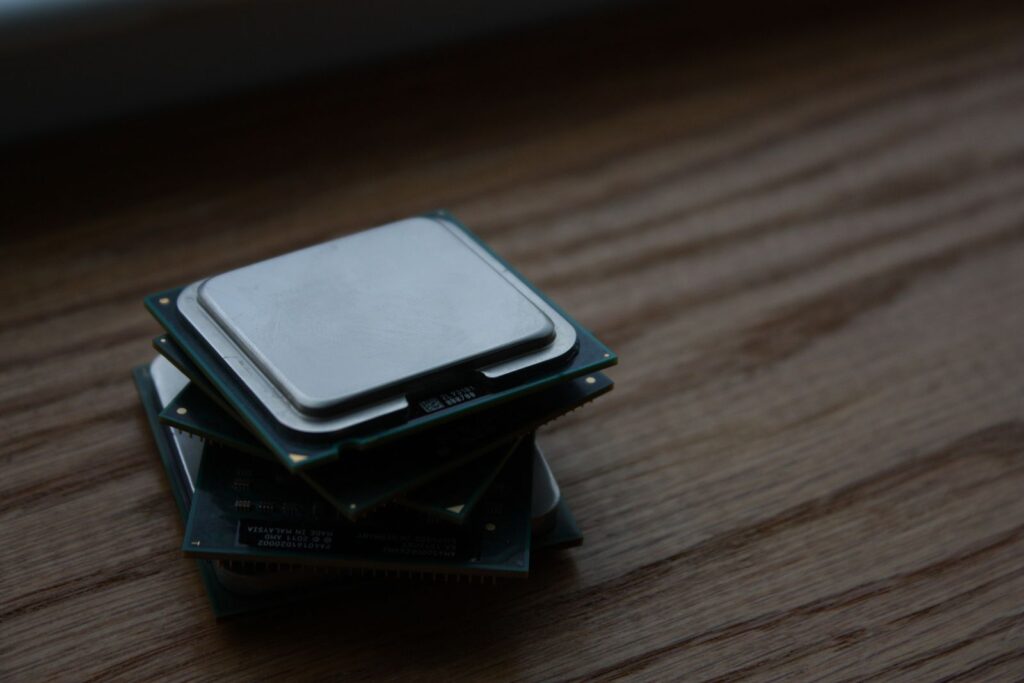
Enterprise hardware budgets don’t stretch as far as they used to, which is why refurbished and off-lease equipment has become a serious option for IT departments — not just a compromise for businesses that can’t afford new.
Why businesses consider refurbished
Enterprise hardware is typically built to run for years under sustained load. A drive or switch pulled from a decommissioned data center after two or three years often has significant useful life left, since enterprise components are rated for continuous 24/7 operation from day one, not consumer-grade duty cycles. Buying refurbished can cut costs by 30–60% compared to new, freeing up budget for other priorities like redundancy or a larger deployment than a new-only budget would allow.
What actually determines the risk
The risk with refurbished hardware isn’t the hardware itself — it’s the seller. A drive that’s been properly tested, has verifiable health metrics, and comes with a real warranty carries very different risk than one that’s simply been wiped and relisted.
| Question to ask | Why it matters |
|---|---|
| Was it tested, or just wiped? | Wiping erases data; testing verifies the drive or switch actually performs to spec |
| What’s the warranty period? | A 30–90 day warranty is reasonable for the discount; no warranty at all is a red flag |
| What’s the usage history? | SMART data shows power-on hours and, for SSDs, remaining write endurance |
| Is it end-of-life with the manufacturer? | End-of-life switches stop receiving firmware and security updates regardless of physical condition |
| Does the seller support it after the sale? | Determines whether you have recourse if it fails in month two |
Where refurbished makes the most sense
Refurbished hardware is a strong fit for backup and archival storage, lab or staging environments, and network switches for non-critical segments of your infrastructure. In these roles, a short warranty window is a reasonable trade-off for the discount, and any eventual failure has limited business impact.
Where new still makes sense
For mission-critical systems where any downtime is unacceptable — primary database servers, core network switches, anything with an SLA attached — new hardware with full manufacturer warranty support is the safer call. The same logic applies when you need the latest feature set: newer switch firmware capabilities or the latest NVMe generations aren’t available on off-lease equipment.
A practical middle ground many businesses use: buy new for anything customer-facing or single-point-of-failure, and refurbished for redundant capacity, backup targets, and internal systems where a short outage is an inconvenience rather than a crisis.
Frequently asked questions
How much shorter is a refurbished warranty compared to new?
New enterprise hardware often carries multi-year manufacturer warranties, while refurbished typically comes with a seller-backed warranty of 30–90 days. Some sellers offer extended options — always ask before assuming the coverage period.
Can refurbished hardware still receive firmware updates?
If the model is still supported by the manufacturer, yes. If it’s reached end-of-life status, no refurbished or new unit of that model will receive further updates — check the manufacturer’s support lifecycle before buying either way.
Is refurbished enterprise storage as reliable as refurbished consumer hardware?
Enterprise-grade components are generally more reliable even after heavy use, since they’re built with higher-quality parts and stricter tolerances than consumer equivalents from the start. Reliability still depends heavily on proper testing and handling after removal from service.
Every product we sell is tested and backed by our own warranty and support, whether it’s new or refurbished. Browse our current catalogue or talk to our team about what makes sense for your budget.
