


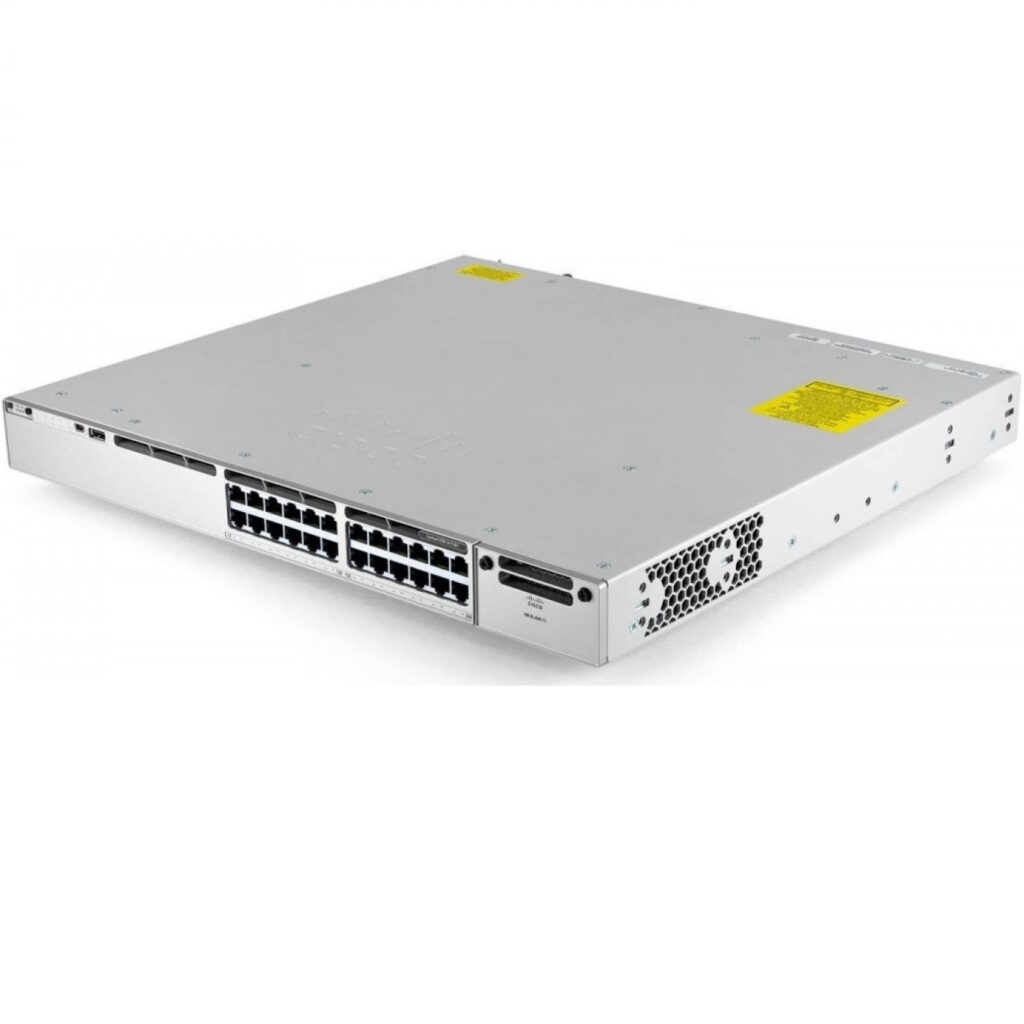
If you’re speccing a new wiring closet or refreshing an access layer, Cisco’s naming makes the 9200 and 9300 look closer than they are. Both are Gigabit access switches running the same Cisco IOS XE software, and both come in 24- and 48-port versions — but they’re built for different scales of network, and the wrong pick either overspends on capability you won’t use or leaves you re-buying in two years.
Quick answer
The Catalyst 9200L is the right choice for a straightforward wiring closet or small office: fixed uplinks, a lower-bandwidth stacking option, and Layer 2/basic Layer 3 features at a lower price point. The Catalyst 9300 is built for larger campus and enterprise deployments that need modular 10G-capable uplinks, full Layer 3 routing, and a stacking fabric that can scale to 8 switches without a bandwidth bottleneck.
Side-by-side comparison
| Catalyst 9200L | Catalyst 9300 | |
|---|---|---|
| Port counts we quote | 24-port / 48-port | 24-port / 48-port |
| Uplinks | 4x 1G, fixed | Modular, 4x 10G-capable |
| Switching capacity (24-port) | 56 Gbps | 208 Gbps (688 Gbps stacked) |
| Switching capacity (48-port) | 104 Gbps | 256 Gbps (736 Gbps stacked) |
| Stacking | StackWise-80 (80 Gbps) | StackWise-480, up to 8 switches |
| Layer 3 routing | Basic, license-dependent | Full Layer 3 capable |
| License tier | Network Advantage | Network Advantage / Essentials |
| Software | Cisco IOS XE | Cisco IOS XE |
When the 9200L is the right call
If you’re outfitting a single wiring closet, a branch office, or a small business network where every switch mostly just needs to move Gigabit Ethernet to end devices and hand traffic off to a single uplink, the 9200L does that job without paying for capacity you won’t use. It’s also the physically quieter and more compact of the two families, which matters if the switch is going to live in an open office rather than a dedicated network closet.
When the 9300 is worth the extra capability
The 9300’s modular uplinks are the main reason to step up: instead of being locked to 1G uplinks, you can fit 10G (or faster) modules as your core network grows, without replacing the switch itself. Combined with full Layer 3 routing, it’s built to sit at the edge of a larger campus network or handle inter-VLAN routing directly at the access layer rather than sending everything back to a core router.
Stacking: the difference that matters most in practice
Both families stack, but not at the same scale. StackWise-80 on the 9200L gives you 80 Gbps of stack bandwidth — fine for a small stack of two or three switches sharing traffic. StackWise-480 on the 9300 provides 480 Gbps and supports up to 8 switches in a single logical unit, which is the difference between a few switches linked together and a resilient, high-throughput access layer that behaves like one large switch. If you’re planning to grow a stack over time, or need switches to fail over to each other without a visible drop in throughput, the 9300’s stacking fabric is built for that; the 9200L’s isn’t really meant to scale past a small stack.
Do you actually need Layer 3?
If every VLAN on your network already routes through a dedicated router or firewall, Layer 3 switching capability at the access layer is nice-to-have, not essential — the 9200L’s basic routing covers simple setups. If you’re running multiple VLANs that need to talk to each other frequently, doing that routing locally on a 9300 instead of hairpinning traffic back to a core device reduces latency and frees up your core router’s capacity for what it’s actually there for: internet and WAN traffic.
Frequently asked questions
Can I mix 9200L and 9300 switches in the same stack?
No. StackWise-80 and StackWise-480 are different stacking technologies and the two families can’t be stacked together. You can run both families on the same network, just not in a single stack.
Is the 9200L a Layer 3 switch?
It supports basic Layer 3 features under the Network Advantage license, but it isn’t positioned as a full routing platform the way the 9300 is.
Will a 9200L run out of headroom quickly?
For a wiring closet feeding end-user devices, no — most of that traffic never approaches 56 or 104 Gbps of aggregate switching capacity. It becomes a constraint if you’re aggregating a lot of server or uplink traffic through it, which is exactly the scenario the 9300 is built for.
Not sure which family fits your network? Contact our team with your port count and uplink requirements, or browse the full Networking category for current listings and bulk pricing.